


Check pending points
Review your offers on hold before reporting anything.
Offer support
20 active partners
Missing points
Check the delay, collect proof, then contact the offerwall that tracked the completion. Their support team can see the session and decide the claim.
Wait for the listed delay
Some apps, games, and trials need several days to confirm.
Collect your evidence
Keep the completion screen, receipt, date, and offer name together.
Contact the provider
Use the matching guide below and keep the ticket reference.
Current offerwall support directory
The list follows the offerwalls currently active on Earn.
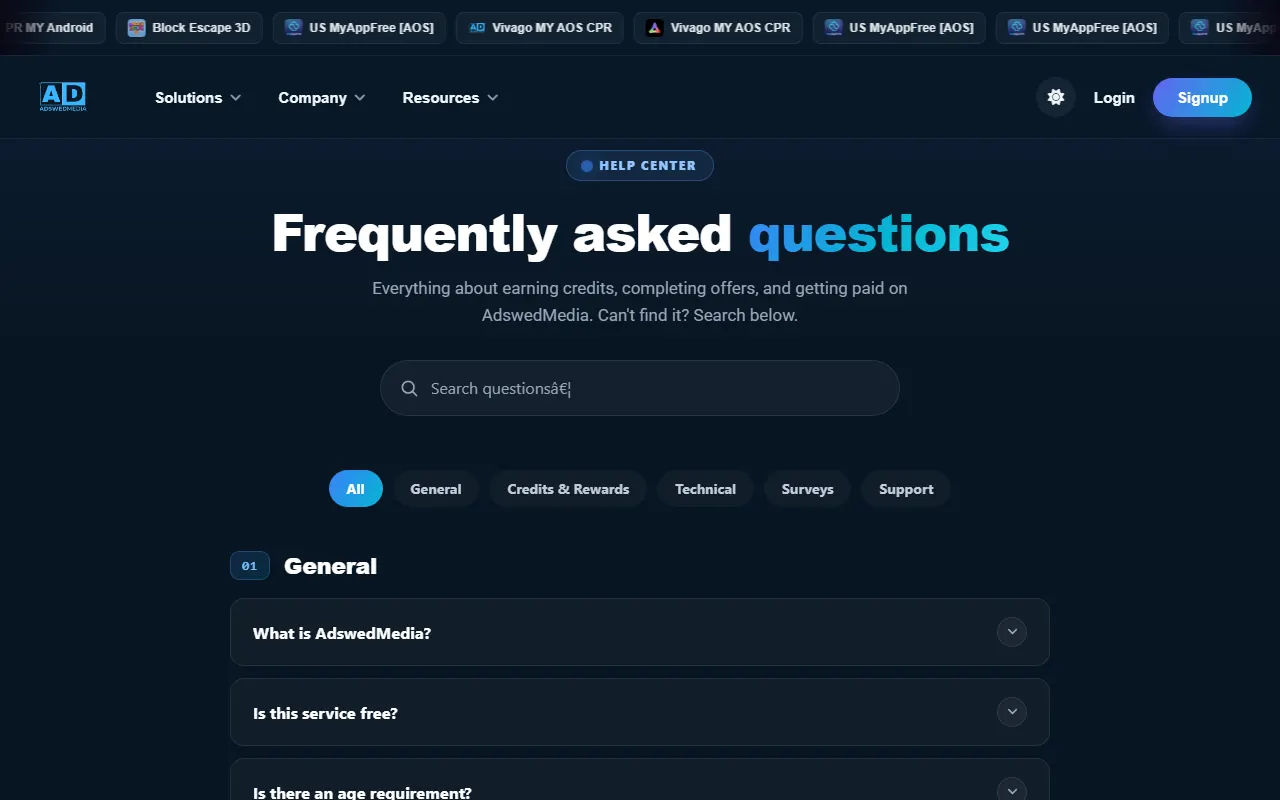
AdswedMedia
- Open Support from the left side of the offerwall.
- Find the offer in your history, choose Report or Help, and attach clear completion proof.
AdvertsReward
- Open the wall menu and check your offer or reward history first.
- Email the provider with the offer name, completion date, Recompensated user ID, and screenshot.

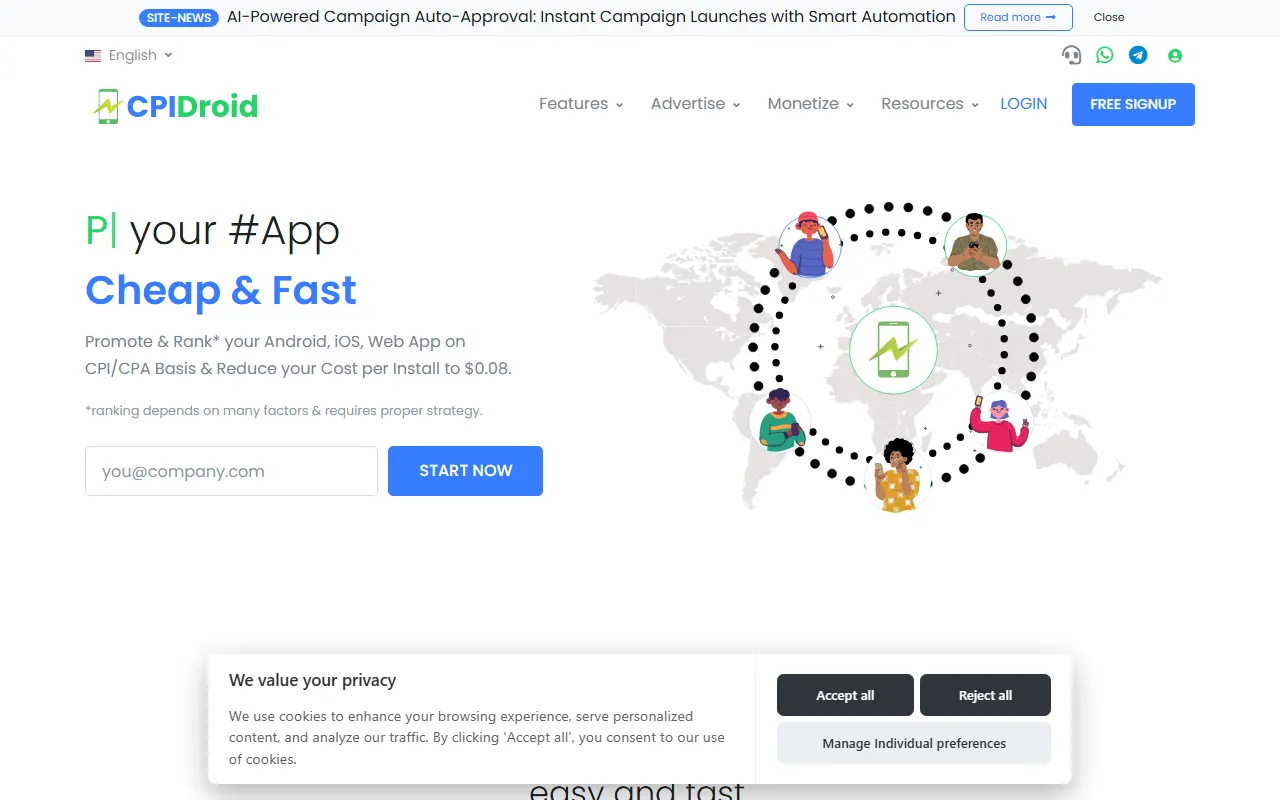
CPIDroid
- Open the offerwall History or Status area and locate the missing offer.
- Raise a request from that offer and include the required completion evidence.
CPX Research
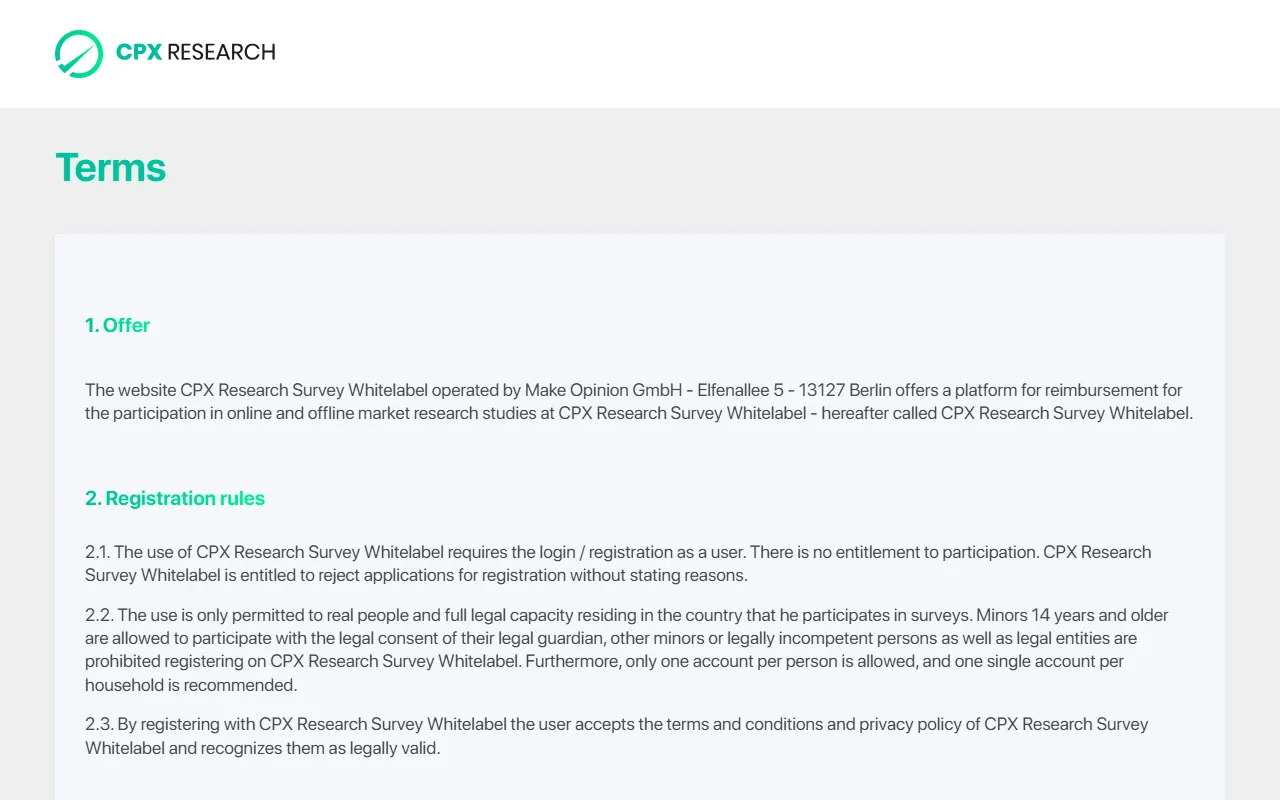
- Open the menu inside CPX Research and choose Help or survey history.
- Submit the tracking form with the survey date, reference, and completion screenshot.
DripOffers
- Open your offer history and select the task that did not credit.
- Use Contact Us and send your user ID, completion time, and proof.
Gemi Ad
- Open Help or Support inside GemiWall and locate the offer in your activity.
- If the wall itself will not open, use the provider contact shown on its access-help page.
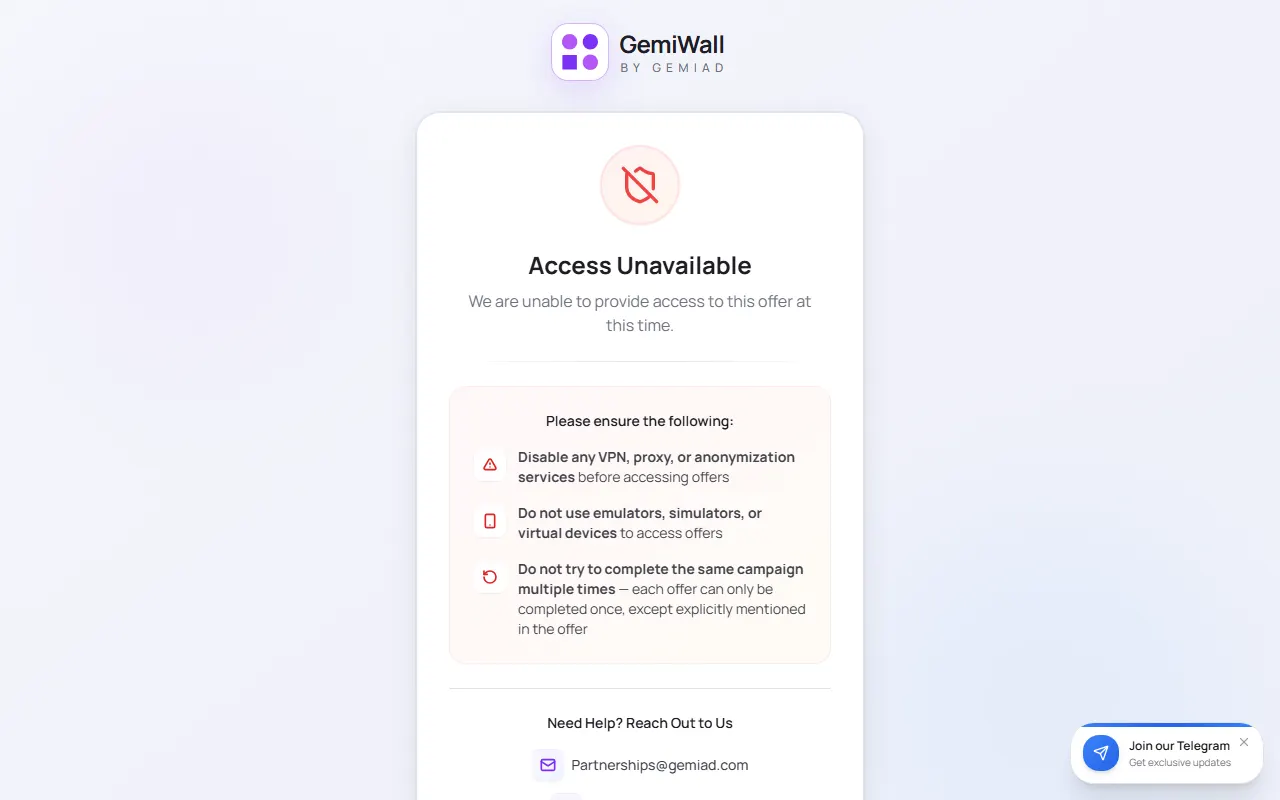
Incentium
- Open the wall profile or history and select the missing task.
- Use the provider contact route and include your user ID, offer name, date, and proof.

MobiVortex
- Open the wall menu and check its offer or reward history.
- Use the provider support option and include the offer name, completion date, user ID, and proof.
Screenshot reference being updated
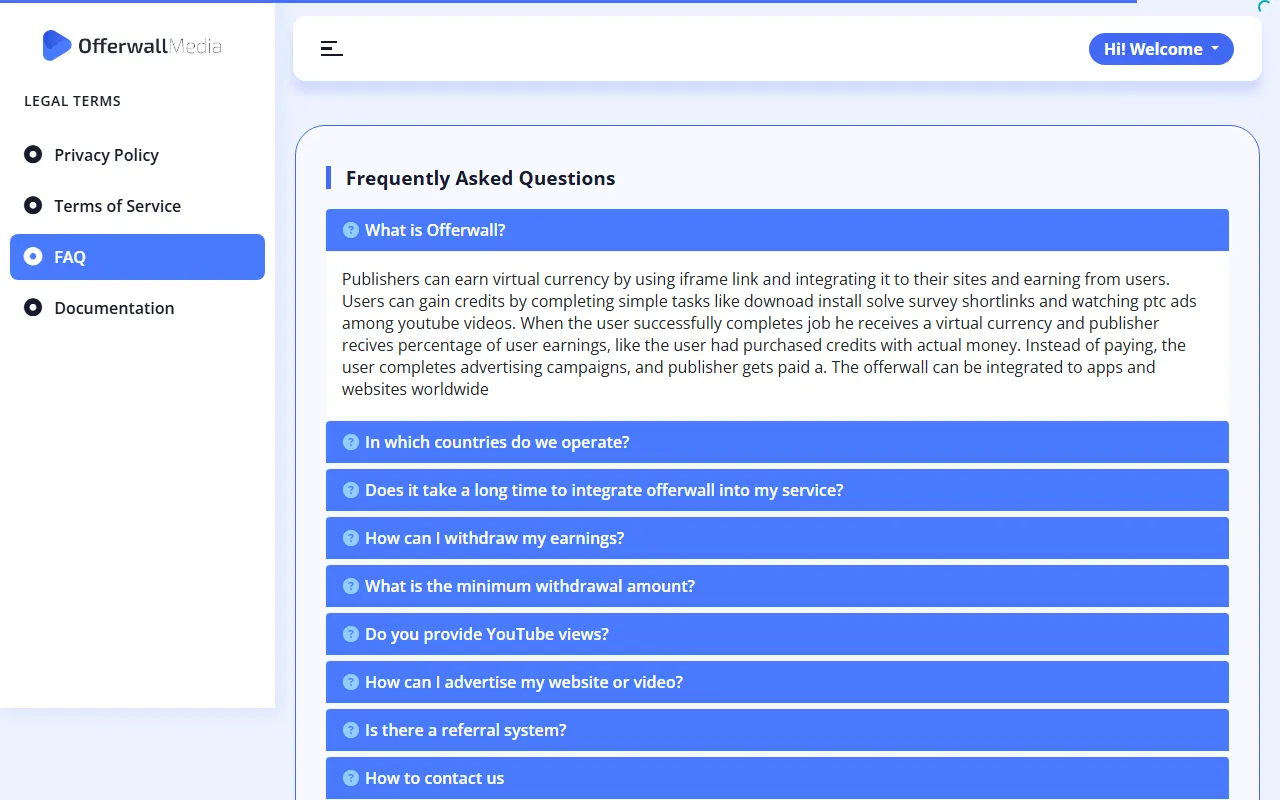
Offerwall Media
- Open the wall menu and check your recent offer activity.
- Use the contact method listed in the provider FAQ and send your user ID plus completion proof.
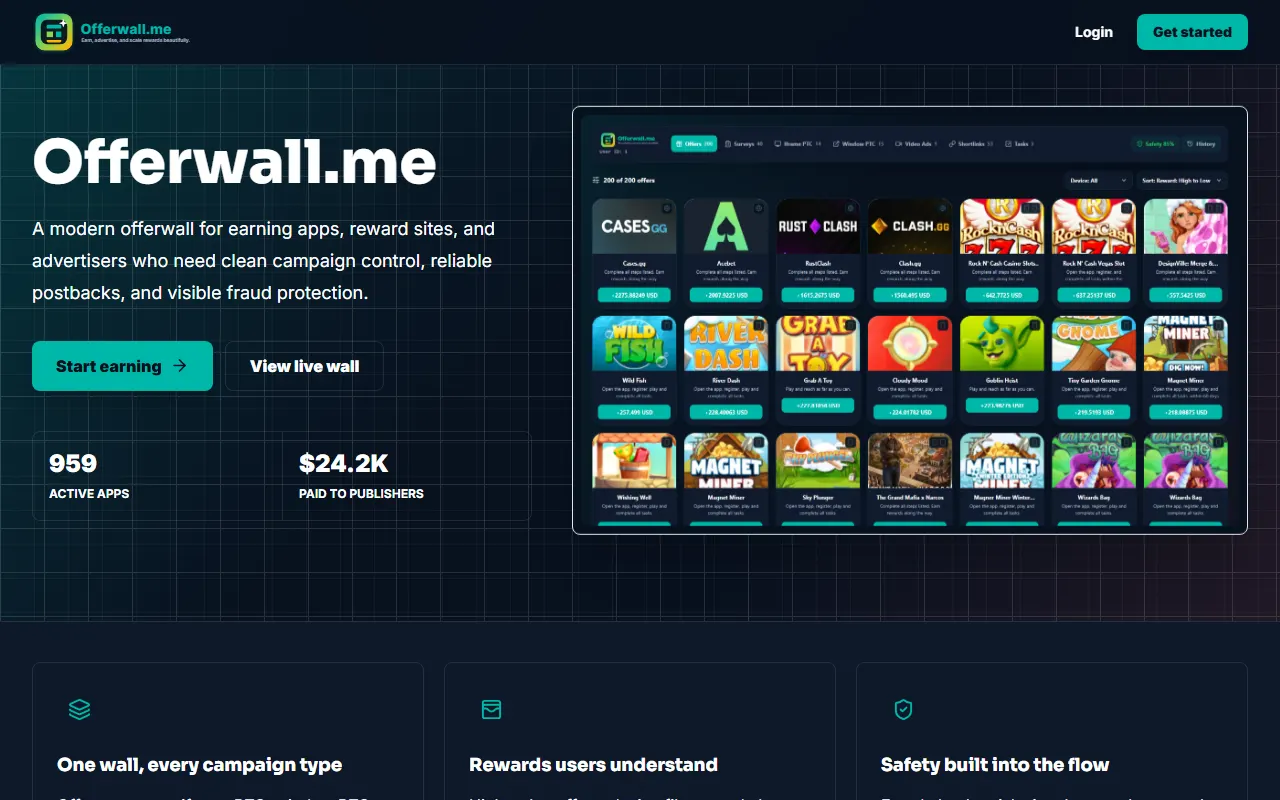
Offerwall.me
- Open the account or reward-history area and locate the missing offer.
- Use the support route shown in the wall and include the offer ID, date, and screenshot.
OpinionGold
- Open your survey history and locate the survey that did not credit.
- Use the support contact shown in the wall and attach the completion screen and survey reference.
OpinionUniverse
- Open the wall menu and check its offer or reward history.
- Use the provider support option and include the offer name, completion date, user ID, and proof.
Screenshot reference being updated
OpinionWall
- Open survey history or Help inside OpinionWall and select the missing survey.
- Send the survey ID, completion time, and screenshot to the dedicated provider support team.

PixiLabs
- Open My Rewards inside the wall and find the missing completion.
- Email the provider with the offer or survey details, completion date, and screenshot.

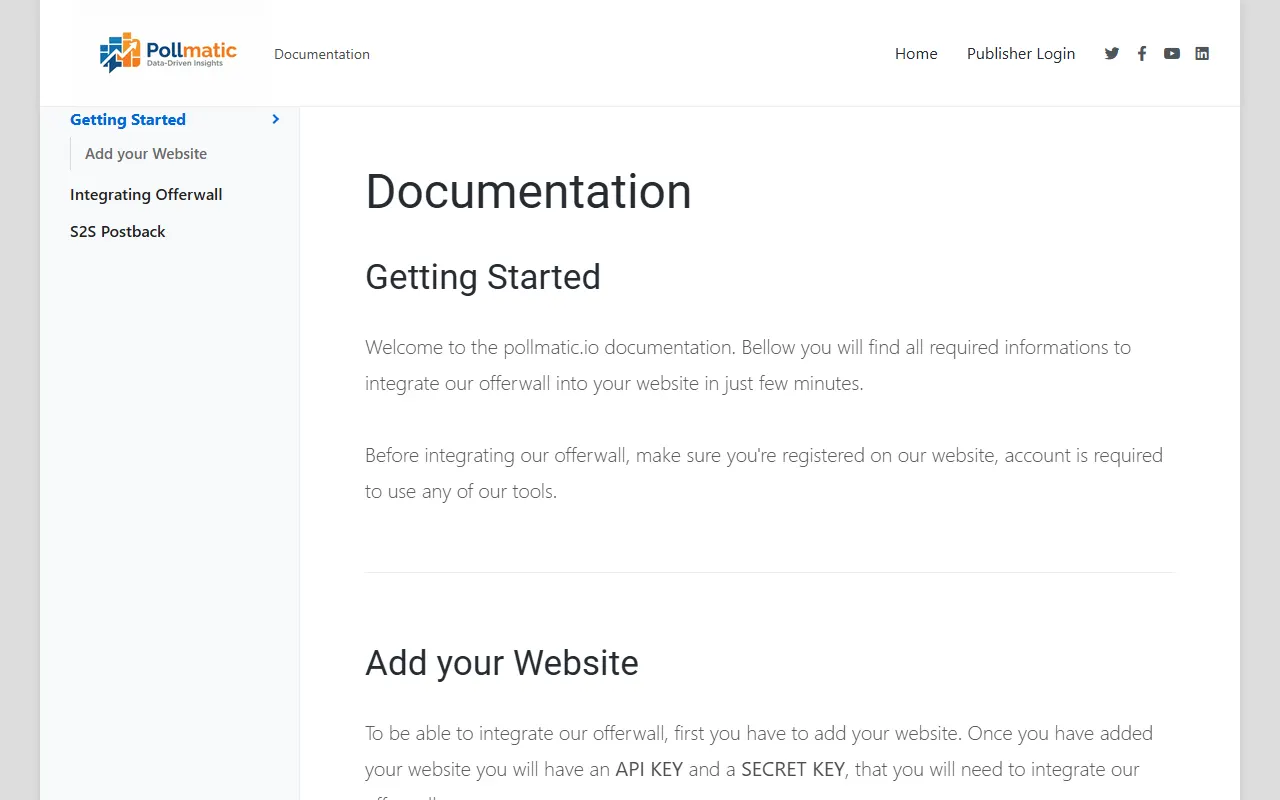
Pollmatic
- Open the account or survey-history area and locate the missing survey.
- Use the provider contact option and include the survey ID, date, and completion screen.
Revtoo
- Open the wall menu and check its offer or reward history.
- Use the provider support option and include the offer name, completion date, user ID, and proof.
Screenshot reference being updated
SparkWall
- Open the wall menu and check its offer or reward history.
- Use the provider support option and include the offer name, completion date, user ID, and proof.
Screenshot reference being updated
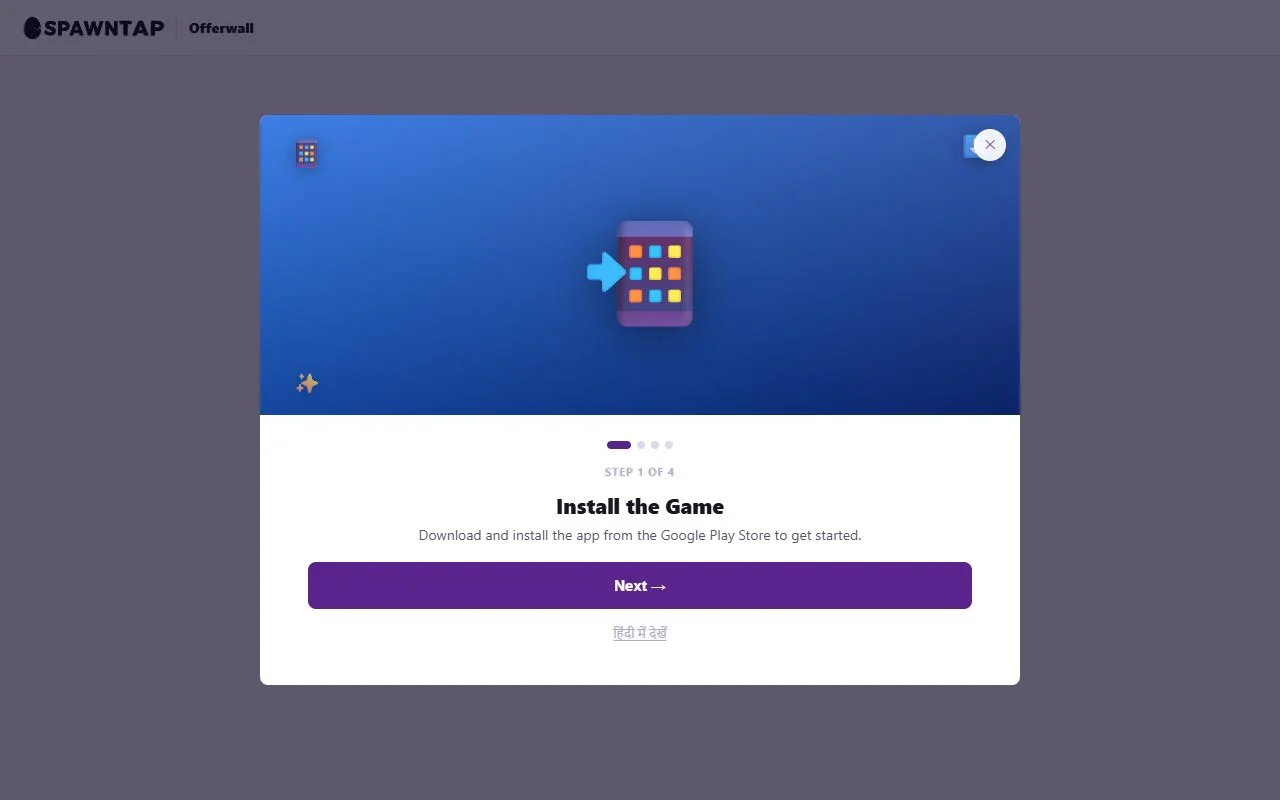
SpawnTap
- Open the wall profile or history and select the missing task or milestone.
- Use the support route shown there and attach the task details and completion screenshot.
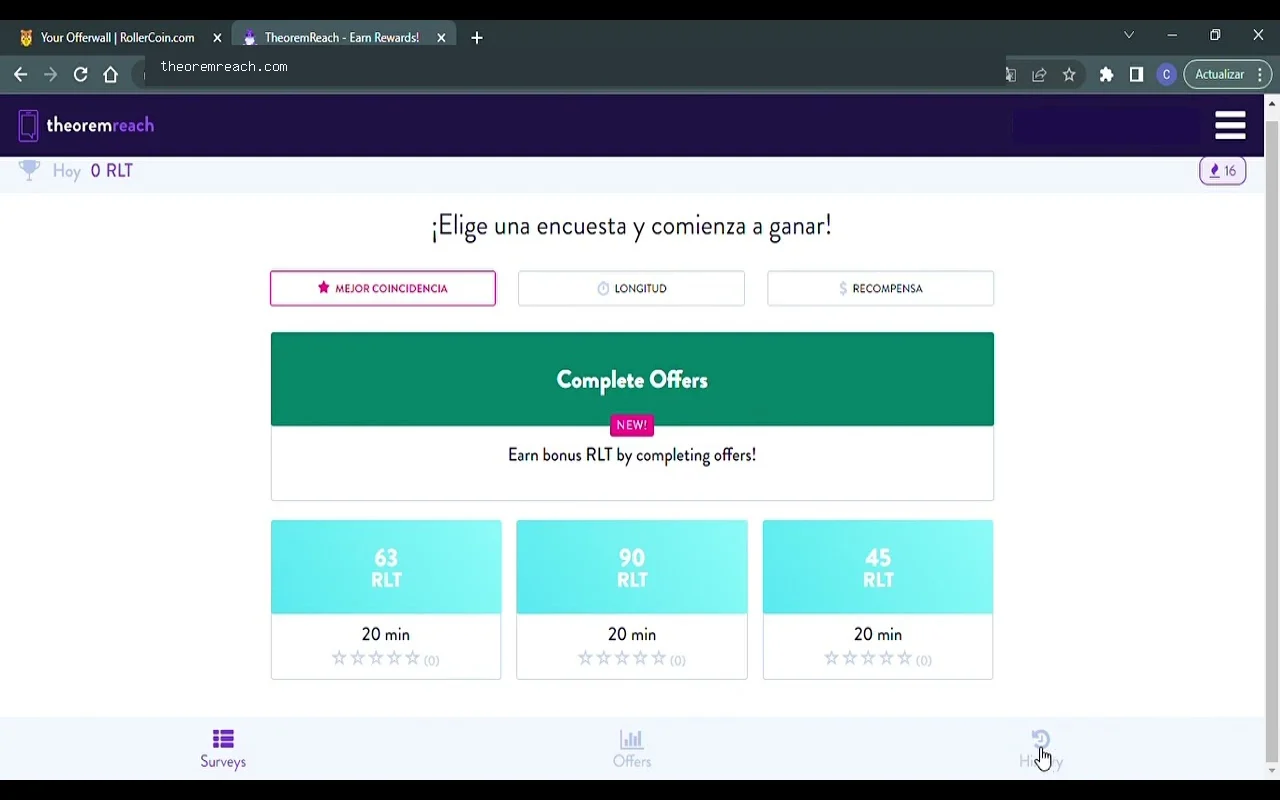
Theoremreach
- Open the upper-right menu, then Survey History and Support or Offers History.
- Choose the item and submit a ticket with its reference and completion screenshot.
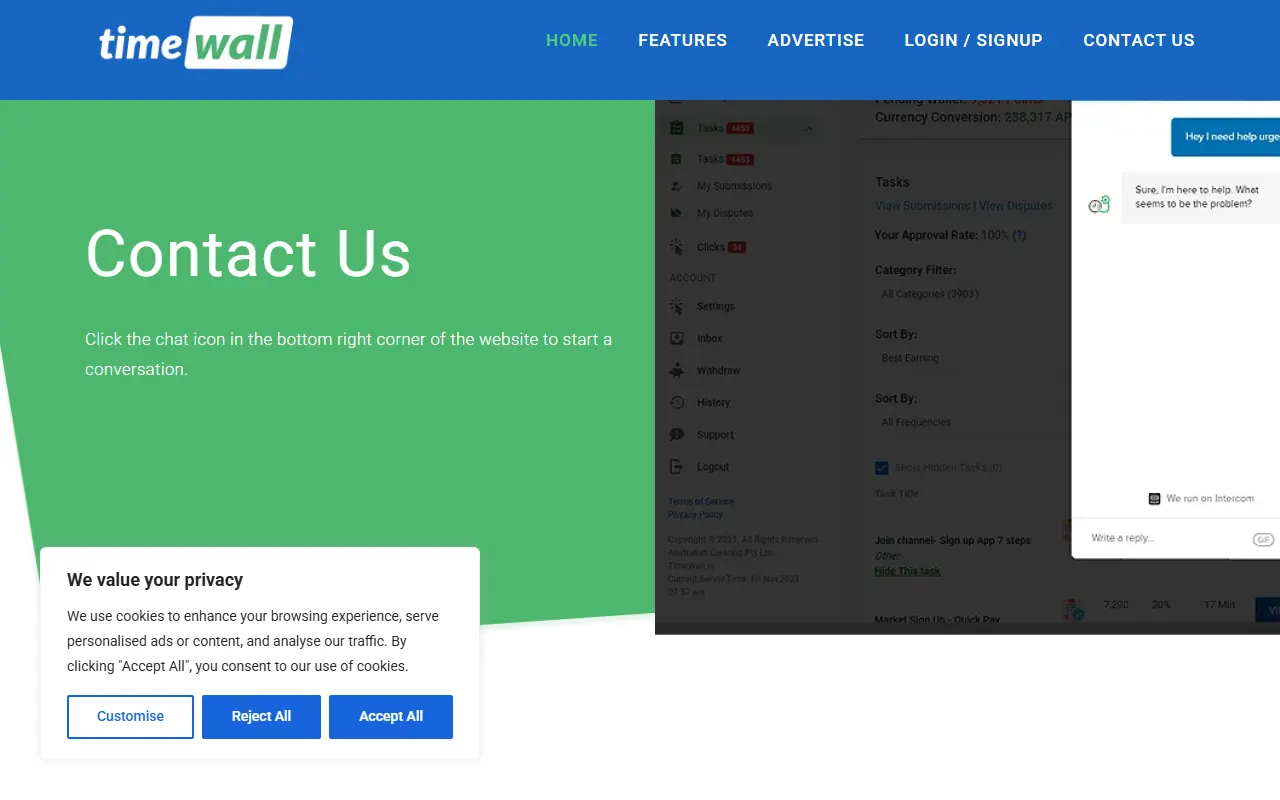
TimeWall
- Open TimeWall through Recompensated; the provider does not use a separate direct login.
- Use the chat icon at the bottom-right and send the task, completion date, and screenshot.
No active offerwall matches that search.
Is the problem with your Recompensated account?
For balance, withdrawal, login, or account issues, open a platform support ticket. Offer-credit decisions remain with the provider.
Open a support ticket